
Smarter Inventory & Procurement Management, Built for Construction
Realitix's Inventory & Procurement Management module collapses all of that into one connected flow. From the moment a site raises a request to the moment a purchase order is closed, everything stays visible, traceable, and in one system that site teams, procurement teams, and finance can all see at the same time.
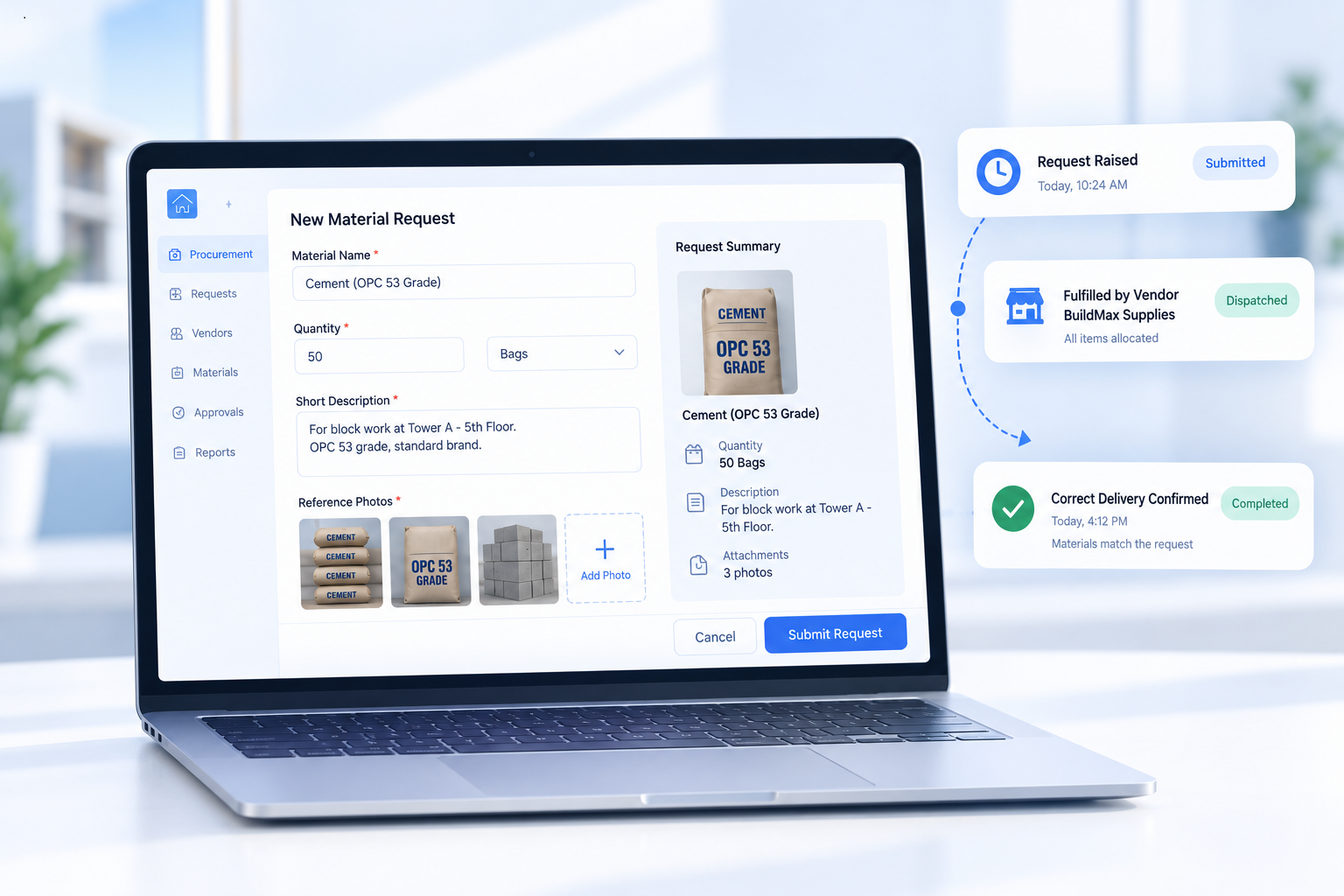
Request Material: Where Every Need Starts on the Ground
Every procurement chain starts with someone on-site realizing they need something more. Request Material lets a site team raise a material request with quantity, images, and a short description attached — not just a one-line text message. A photo removes the guesswork for whoever is fulfilling the request, whether that's a store manager or a vendor, so the right material shows up the first time instead of after a round of clarifying calls.
- Raise a request with quantity, images, and description
- No dependency on verbal or text-only communication
- Reduces repeat trips caused by mismatched deliveries
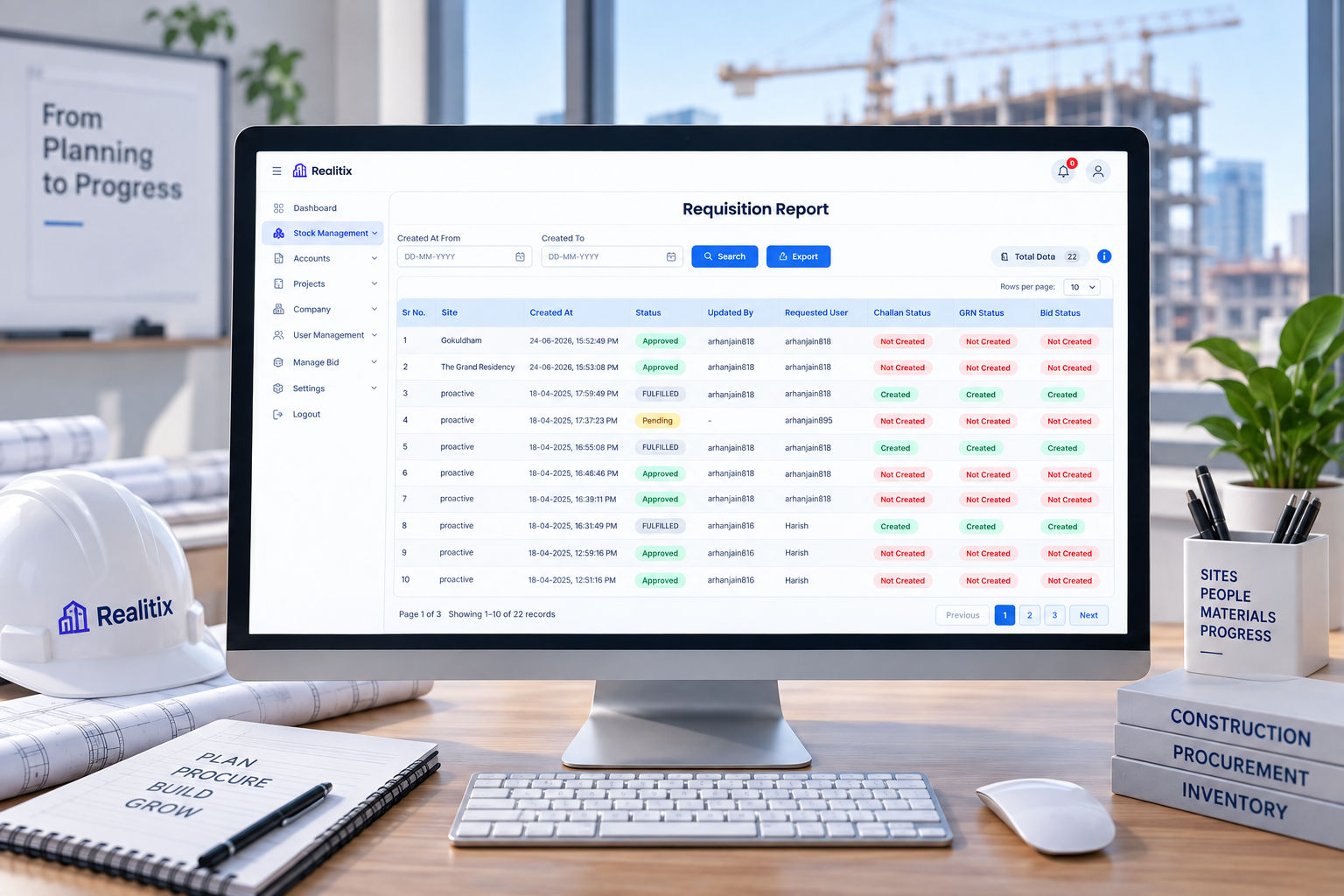
Requisition Report: The Full Picture of Every Request
Once a request goes out, someone has to manage what happens to it. The Requisition Report tracks every requested material end to end — you can view details, update status as it moves through the process, generate a bid when it needs to go to vendors, and maintain GRN reports as materials arrive on-site.
- View full requisition details in one place
- Update status as the request moves forward
- Generate a bid directly from the requisition
- Maintain GRN reports as materials are received
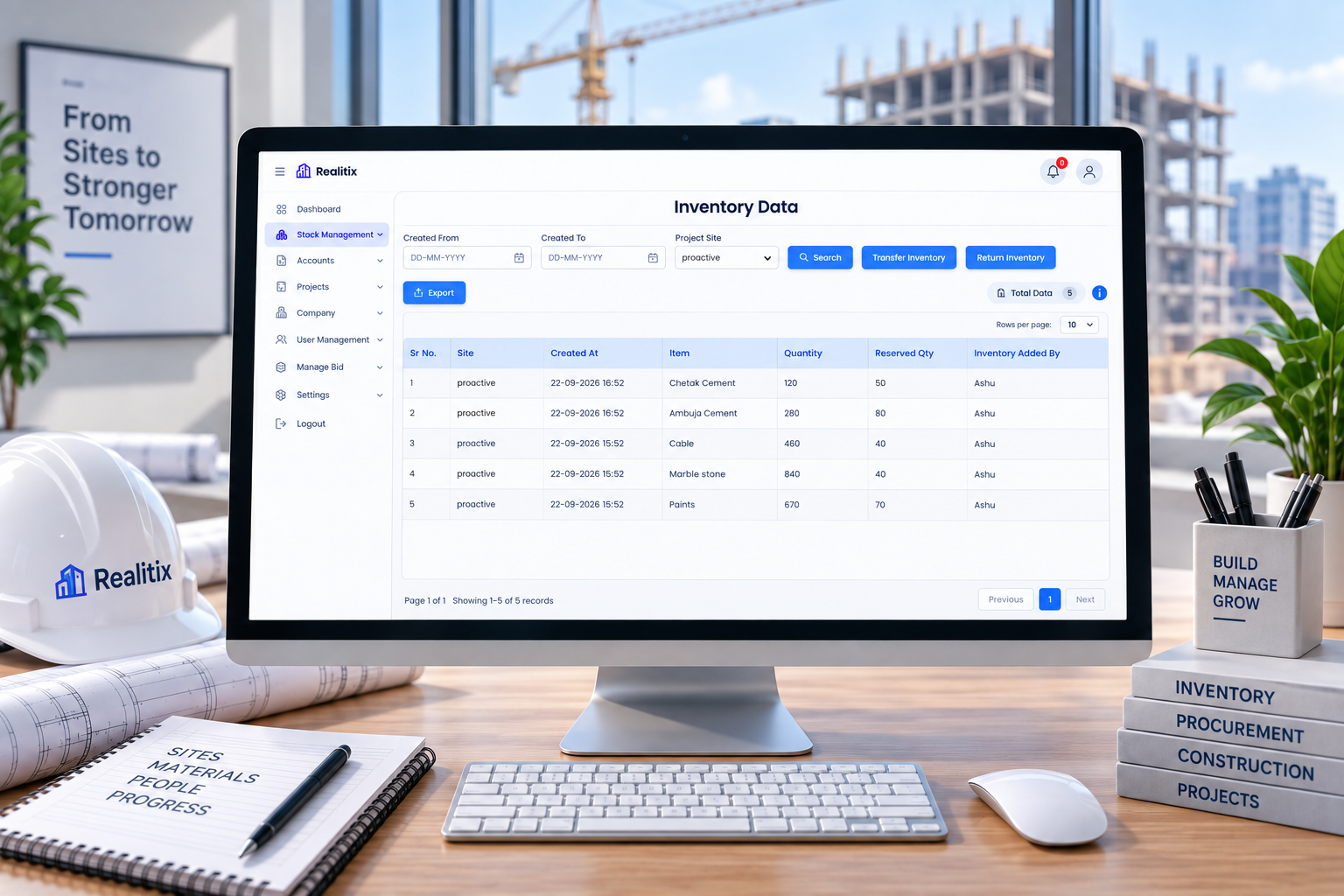
Manage Inventory: Knowing What You Actually Have, Per Site
Inventory gets complicated the moment you're running more than one site. Manage Inventory gives a site-wise inventory view of current stock and reserved quantities, so nobody over-orders material that's technically already accounted for. From here, you can transfer inventory to another site, return inventory to the vendor, and export the data whenever required.
- Site-wise view of reserved and current quantity
- Transfer inventory between sites
- Return inventory to the vendor when needed
- Export data for reporting or audit
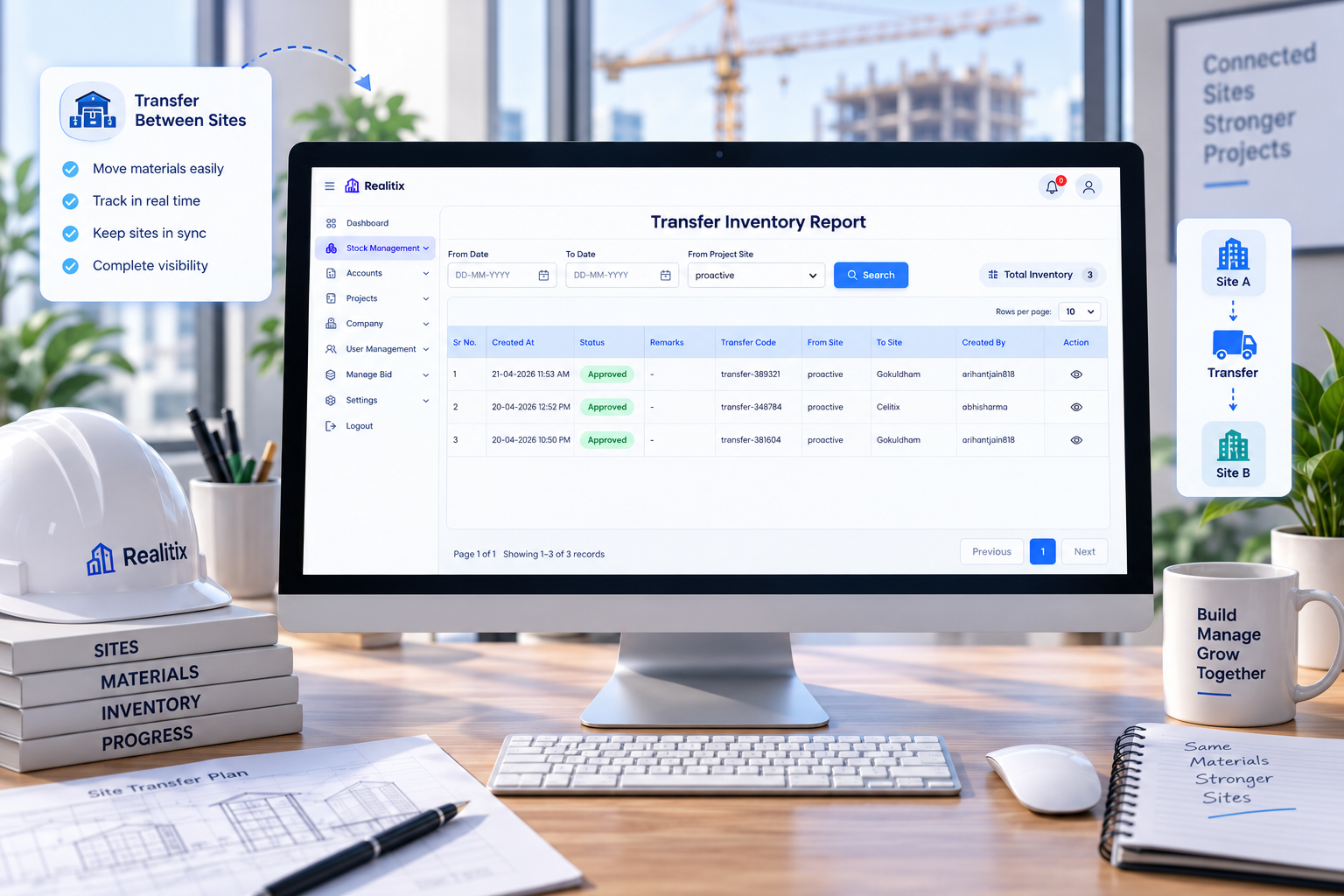
Transfer Inventory: Following Material Between Sites
A transfer shouldn't disappear into a driver's memory and a WhatsApp confirmation. The Transfer Inventory report keeps a clear record of every inter-site transfer — source, destination, current status, and full material details.
- Track source and destination for every transfer
- View real-time transfer status
- Full material details attached to each movement
- Reduces stock discrepancies caused by undocumented transfers
Return Inventory: Closing the Loop Cleanly
Not every material ordered ends up used as planned. Return Inventory manages the full process: which site is returning material, total items and quantity, who requested it, and its current status — keeping numbers honest and vendor relationships clean.
- Track site, item count, and quantity for every return
- View requested-by details for accountability
- Monitor return status until it's closed
- Keep stock records accurate for the vendor
Manage Bid: Getting the Right Price Without the Chaos
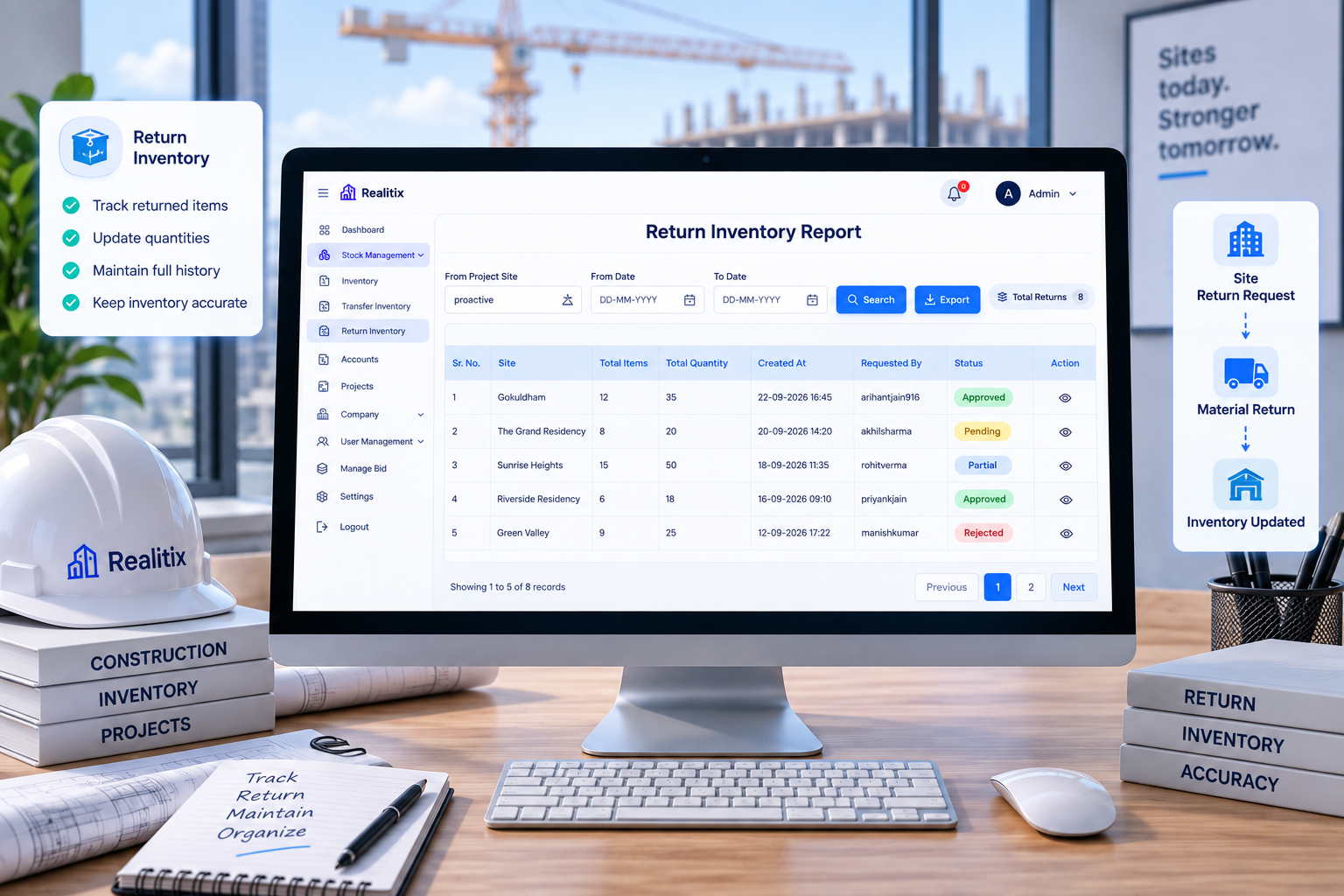
Sourcing material competitively usually means reaching multiple vendors and negotiating. Manage Bid brings that entire vendor negotiation into one place: manage bid updates, track status, handle negotiations, and create the purchase order once terms are settled.
- Manage requested bid updates in one screen
- Track vendor response status
- Handle negotiations within the same record
- Create the purchase order directly from the bid
Purchase Order: The Final Record, Always Accessible
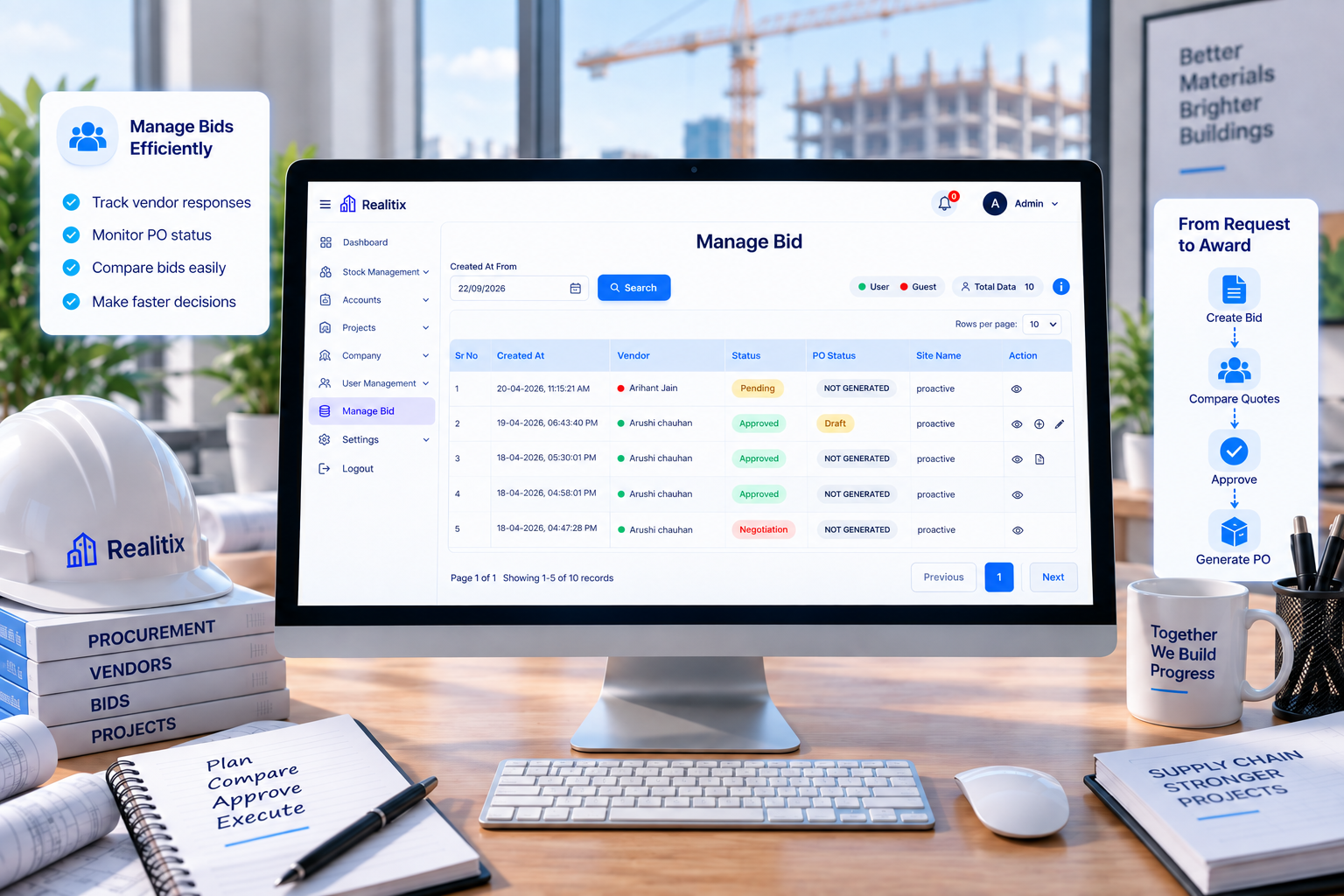
Every purchase order stays available exactly where you'd expect to find it. View all PO documents in one list, download them when needed, and export data for reporting or record-keeping.
- View all purchase orders in a single list
- Download PO documents anytime
- Export data for finance or audit needs
- Full history available even months later
The Difference Is Connection
Why This Module Changes
How Procurement Actually Feels
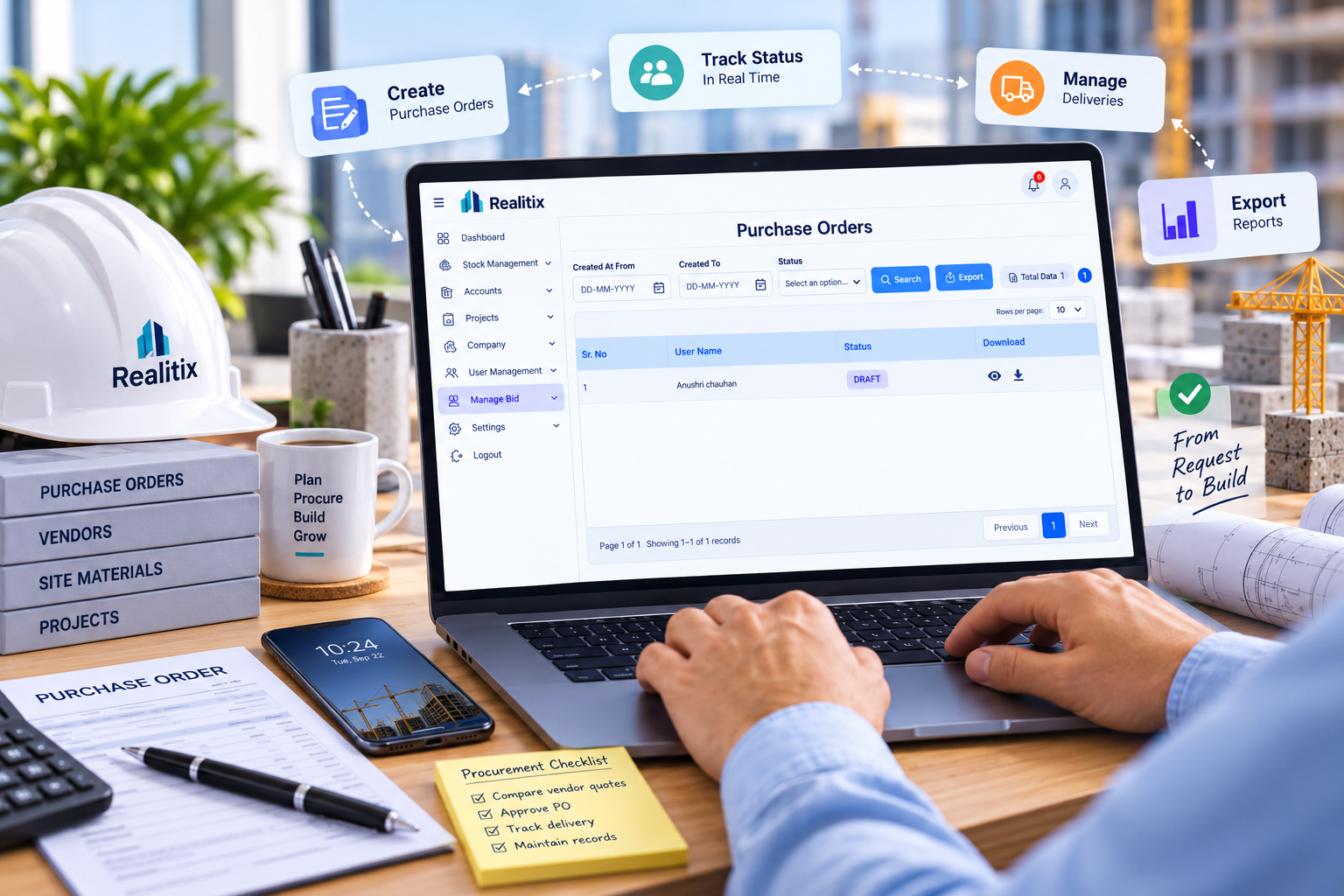
Individually, none of these pieces are complicated. What changes the experience is that they're connected. A material request flows into a requisition report, which can turn into a bid, which becomes a purchase order. Materials that arrive update inventory; materials that move get logged as a transfer; materials that don't work out get logged as a return.
Before
Manual follow-ups
Disconnected systems
Delays and confusion
Multiple data entries
With Realtix
One connected flow
Real-time updates
Aligned teams
No manual reconciliation
Built for every real estate team.
Start using today.
FREQUENTLY ASKED QUESTIONS